
CRM features

Know who you are talking to

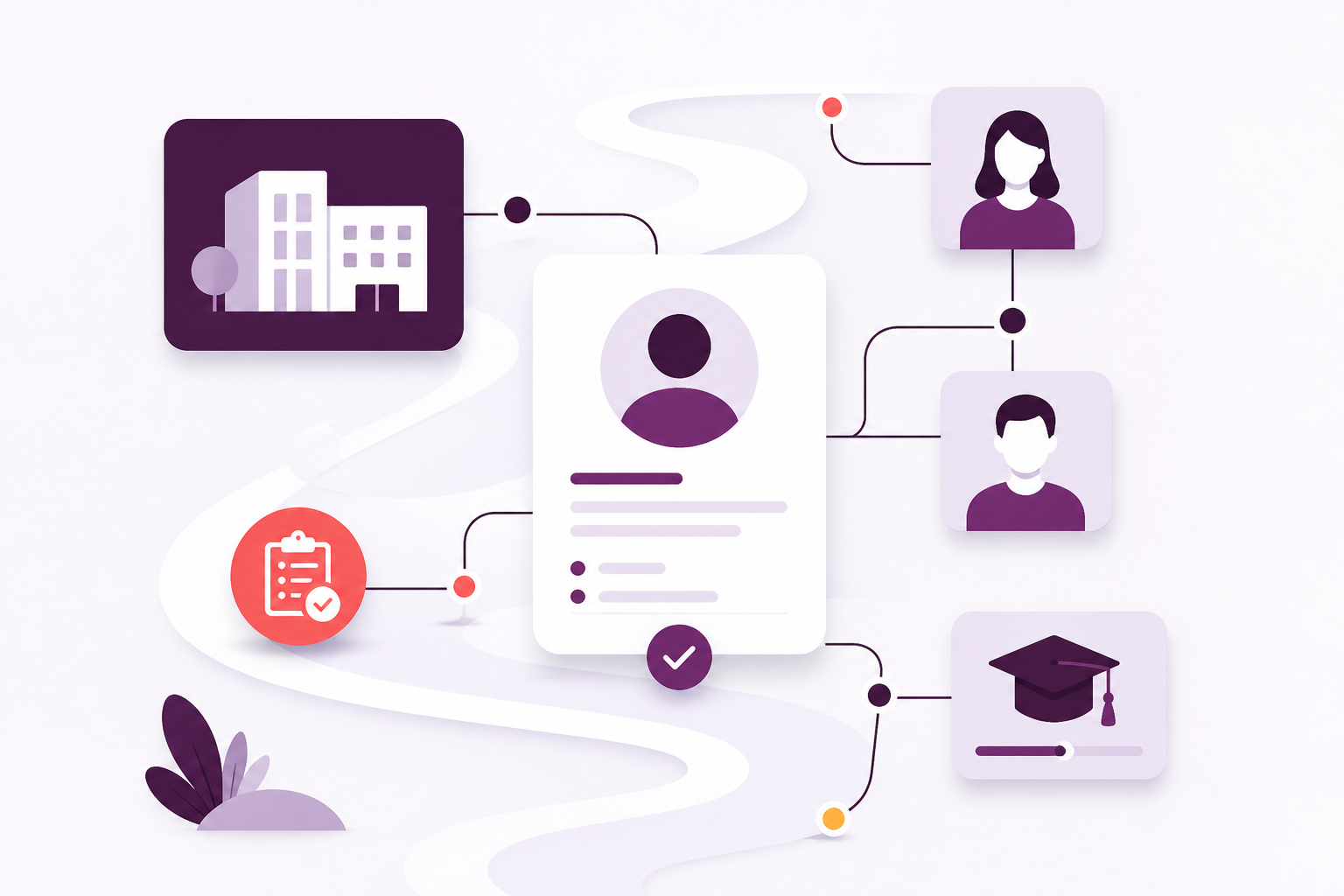
Give the whole team a shared picture of learners and the organisations they belong to, joined to the courses and qualifications that follow.

The next conversation should not start from a blank page

When someone phones, books or walks in, your team should already know who they are. Afanor keeps people and employers together, so nobody is maintaining a private list on the side.

A person the whole team can use

Open any learner and see how to reach them, who they work for, and what still needs doing — without a private list on the side.

The employer or partner beside them

See the organisation they belong to, who owns the account, and whether that relationship needs attention before it slips.

Lists, follow-up and a clear next step

Build an audience, see who you can actually reach, and keep owned tasks next to the person they concern.

Learner and organisation records connected to tasks, training and progress markers.

A closer look

What crm looks like day to day

These are the parts of the job your team can put to work straight away — focused on outcomes, not entity lists.

People you support

A named person the whole team can open, not a row that only one person understands.

  • Answer the phone with history, employer context and stage already in view
  • Reach learners the way they prefer — and respect when they have asked not to be contacted
  • Hand the next conversation to a colleague without losing context
Read more about people you support

Employers and partners

Keep the company view without losing the individual sitting in the room.

  • See the account and everyone linked to it — including who reports to whom
  • Know who in your team owns the relationship
  • Spot healthy, growing and at-risk accounts before they quietly go cold
Read more about employers and partners

Lists and audiences

Turn the people you already know into a group you can actually write to.

  • Lists you curate by adding and removing people
  • Live audiences that update as people’s details change
  • A preview of who has an email or mobile before you use the list
Read more about lists and audiences

Follow-up and history

Make the next call, email or review visible, and keep a history of what changed.

  • Follow-up, calls, emails, meetings and qualification reviews
  • An owner, due date, priority and whether it is still open
  • A history of changes, and linked conversations on Scale
Read more about follow-up and history

How it works

CRM as part of the wider journey

Each step stays with the same people, so the next person to pick up the work is not starting from an empty page.

1

Take them in

Add a person or an organisation the first time you meet them.

2

Join the dots

Connect them to courses, messages and the awards that follow.

3

Act

Give the next person to pick up the phone the facts they need.

Built for the team

Useful for every role around the learner

Administrators, trainers and support staff keep their own work, without losing sight of the same person.

Learner support teams

See enough history to answer a question without hunting through someone else’s tracker.

Delivery teams

Know who is coming, and which employer sent them, before the session starts.

Managers

See who owns the account, what is overdue, and where the work is piling up.

What this changes

Less time rebuilding the picture

CRM sits with the rest of the week’s work, so you are not rebuilding the picture in another spreadsheet.

  • Stop keeping the same names in two or three places.
  • Give delivery and support the same picture of the person.
  • Respect how people have asked to be contacted.
  • See which employers and follow-ups need attention.
  • Keep the relationship next to the training, not in a side list.

Getting started

Bring your process with you

We help you move across from the lists and trackers you already use, and set Afanor up around how your organisation actually works.

Discuss onboarding

Frequently asked questions

Can we keep both people and the organisations they work for?

Yes. You can open someone as a person, or open the employer they belong to, without maintaining two separate lists.

Can we group people for follow-up?

Yes. You can keep a hand-picked list, or a live audience that updates as details change, then see who you can actually email or text before you write.

Can we record who should not be contacted?

Yes. Each person can have a preference for email, phone, text, post and the other channels you use — allowed, do not contact, or not yet recorded.

Is this separate from training?

No. The point of Afanor is that the person on the phone is the same person on the course and on the qualification.

Works alongside

What sits next to crm

These parts of Afanor share the same people, so you are not starting again in another tool.

Training

From the plan on the wall to the people in the room

Schedule the course, check learners in, run the quiz and follow up before a qualification lapses — without starting again in another tool.

Explore Training

Communications

Write at the right time — and share the inbox

Remind people before a qualification lapses. On Scale, incoming email and texts land with the team instead of one person’s mailbox.

Explore Communications

Reporting

See what needs a decision this week

Learners, sessions, awards, quizzes and reminders — as reports from the work you already do, not another spreadsheet to feed.

Explore Reporting

See crm in the same place as the rest of the work

Compare packages, or tell us how a typical week looks and we will help you choose.