
Priorities that surface in time
- First-response and resolution targets by urgency
- A view of conversations close to missing a deadline
- Types, tags and rules that send junk out of the way
Communications
See the work that is about to slip, while there is still time to answer.
How it helps
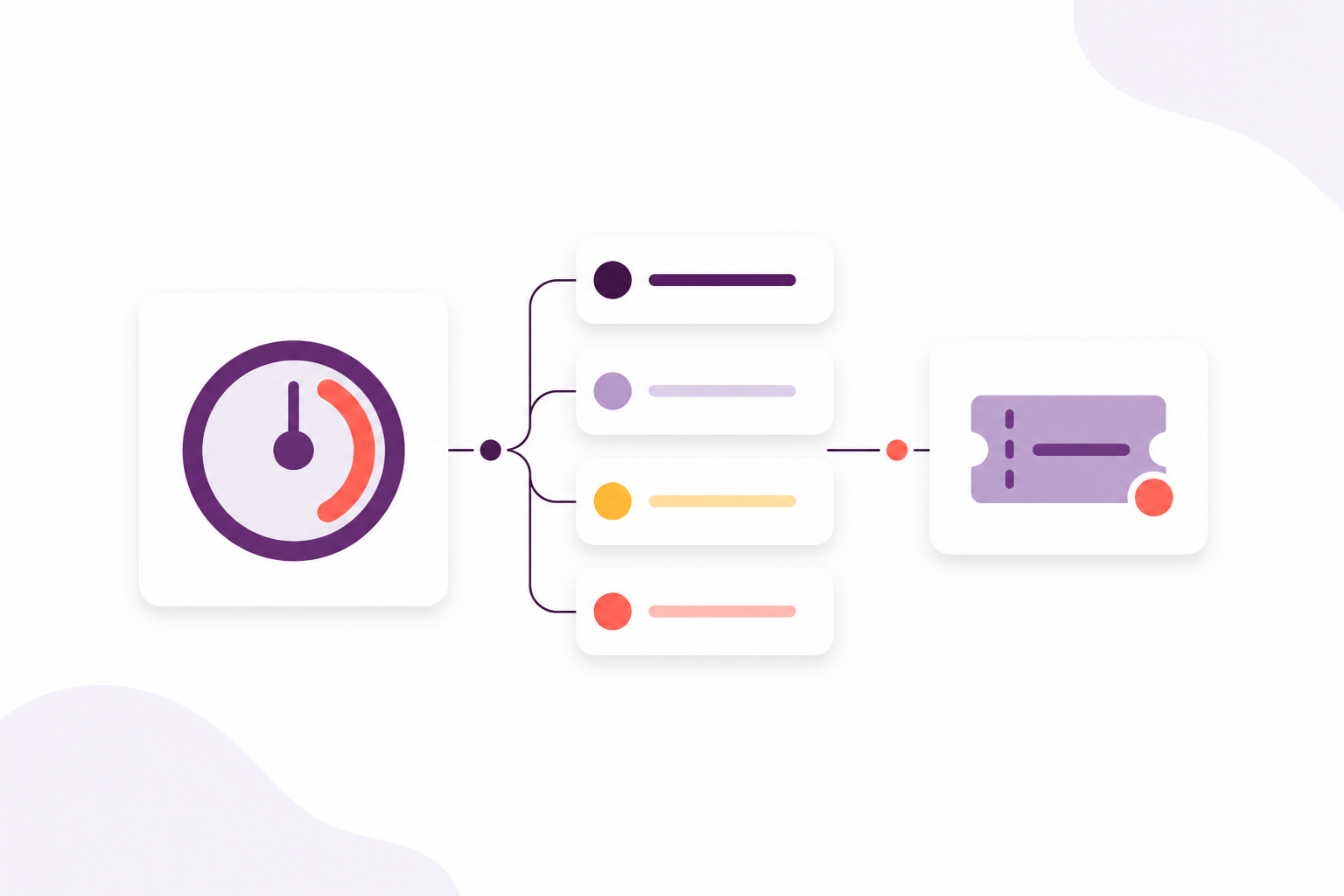
See the work that is about to slip while there is still time to answer. Set first-response and resolution targets by priority, then filter by type, tag and spam rules.
A shared inbox for email and text is included on Scale.
A shared inbox for email and text is included on Scale. Compare packages
Why it matters
The outcomes your team gains from this part of Afanor — written for training administrators, not database designers.
More in this area
Some messages should go out on a schedule, from the expiry dates you already keep. Others arrive as questions and need an owner. Afanor does both, without a second mailbox.
Keep the whole conversation in one thread, with the person it is about.
Read moreGive every message a home and a person, instead of hoping someone saw it.
Read moreWrite from the expiry dates you already keep, instead of a side list of who to chase.
Read moreFrequently asked questions
Yes, on Scale. Email and text become threads in a shared inbox, with an owner, a status, a priority, tags, internal notes and a view of deadlines that are at risk.
Works alongside
These parts of Afanor share the same people, so you are not starting again in another tool.
CRM
Stop keeping people in one spreadsheet and employers in another. Afanor holds who they are, how to reach them, and what still needs doing.
Explore CRMTraining
Schedule the course, check learners in, run the quiz and follow up before a qualification lapses — without starting again in another tool.
Explore TrainingReporting
Learners, sessions, awards, quizzes and reminders — as reports from the work you already do, not another spreadsheet to feed.
Explore ReportingCompare packages, or tell us how a typical week looks and we will help you choose.